
Services
Custom CRM development built around your sales process
A customer platform shaped by how your team sells and serves accounts, so the record of every customer is complete, current and in one place.
What a custom CRM is
A CRM (customer relationship management) system is where a company keeps what it knows about its customers: who they are, who talks to them, what they bought and what happens next. A custom CRM is built for one company's customers and one team's way of working.
Generic CRM products are designed to suit thousands of businesses at once. That makes them broad, and it also makes them fit loosely. Teams end up with dozens of unused fields, a handful of improvised ones, and the real information kept in inboxes and personal notes. Adoption drops, and the data management relies on stops being trustworthy.
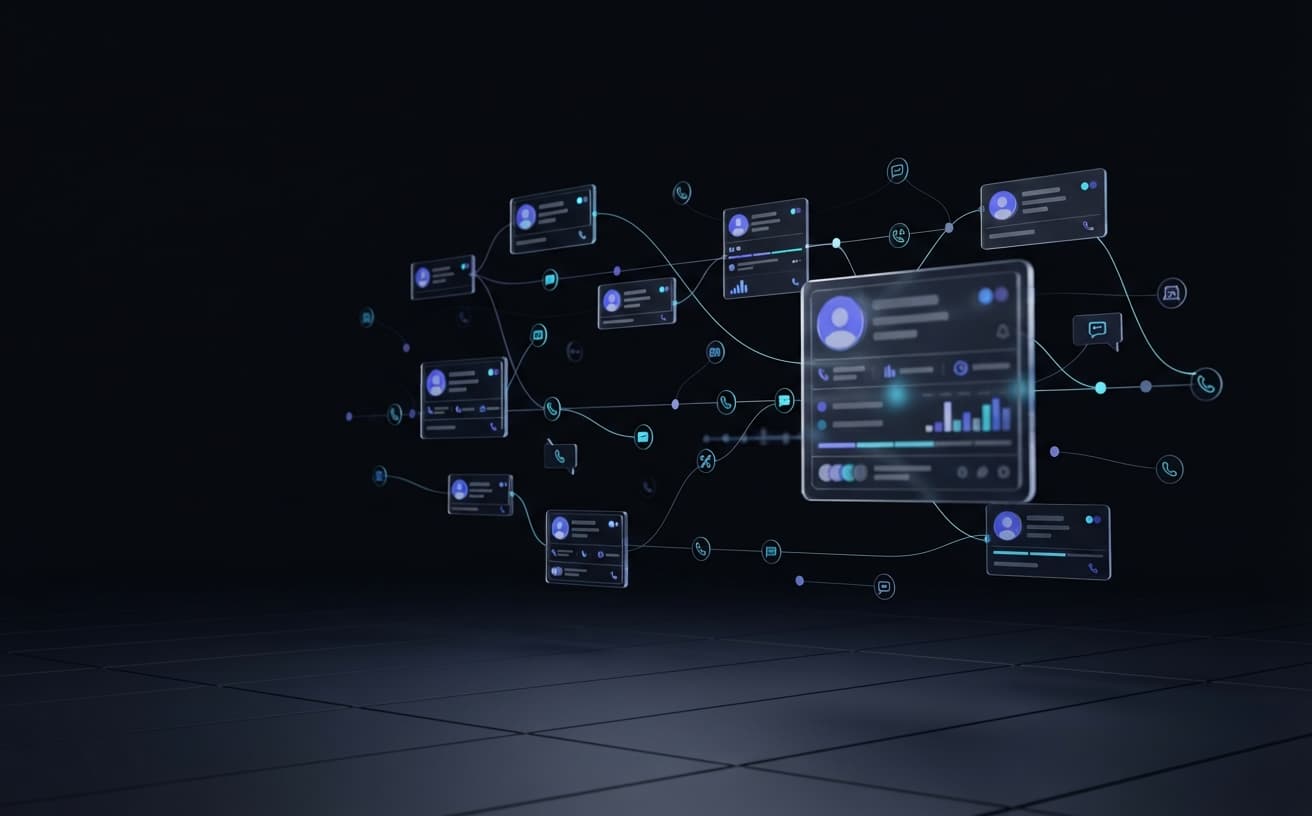
OGLAT builds the CRM around the accounts you actually manage. The fields, views and steps come from your process, and the system connects to the tools your team already uses, so keeping it up to date is part of the job and never an extra chore.
The Problem
Where generic CRMs let teams down
Customer knowledge leaves with people
When account history lives in someone's inbox, it walks out of the door when they do.
Low adoption
Sales staff avoid a tool that asks for data they don't need and hides the data they do.
Per-seat costs that keep climbing
Licence fees grow with every hire, including for features nobody uses.
Data trapped in one tool
Orders, invoices and support history sit in other systems, so nobody sees the whole customer.
What We Build
What we build into a CRM
A CRM is only useful if the team keeps it current, so we build the parts they will open every day first and add the rest around them.
Accounts & contacts
Companies, branches and the people within them, with relationships and ownership modelled the way your market really works.
Activity history
Calls, meetings, emails and notes logged against each account, giving anyone who picks it up the full story.
Lead management
Capture, assignment and follow-up rules, so new enquiries reach the right person and none are left waiting.
Quotes & orders
Quotations generated from your price lists and terms, with approval steps and a record of what was agreed.
Customer service
Requests and complaints tracked to resolution against the same customer record sales uses.
Integrations
Connections to the email, accounting and ERP tools you already run, so data is entered once.
How We Work
How a CRM project runs
- 01
Study how you sell
We follow real deals and accounts from first contact to repeat order, and note where information is lost today.
- 02
Model your customers
We define accounts, contacts, territories and ownership rules before any screen is designed.
- 03
Build the daily views first
The screens your team opens every morning are built and tested with them first, because adoption is decided there.
- 04
Import and connect
Existing contacts and history are cleaned and imported, then the CRM is connected to your other systems.
Who It's For
Where this fits best
- B2B sales teams managing long-running accounts
- Distributors and suppliers with repeat-order customers
- Service businesses that need sales and support on one record
- Companies paying for a large CRM and using a fraction of it
FAQ
Questions we hear most
Why build a custom CRM instead of buying one?
Buying is the right choice when a standard product fits your process. Building makes sense when your sales process is unusual, when you need the CRM tightly connected to your own ERP or operations, or when licence costs at your team size outweigh the cost of owning the software.
Can you migrate our data from our current CRM or spreadsheets?
Yes. Migration is part of the project. We export what you have, remove duplicates and incomplete records with your team, map it to the new structure and import it before launch.
What is the difference between a CRM and a sales pipeline system?
A CRM is the long-term record of customers and every interaction with them. A sales pipeline system tracks deals in progress, stage by stage, until they are won or lost. Many clients want both, and we build them on the same data so they work as one.
Will it work on mobile for field sales staff?
Yes. We build web and mobile interfaces, so field staff can look up an account and log a visit from a phone.
Can the CRM connect to our ERP?
Yes. When we build both, they share one customer record. When you already have an ERP, we integrate with it so orders, invoices and balances appear on the account.
Related Services
Often built alongside
Sales Funnel & Pipeline Systems
Custom funnel and pipeline software for your sales team — from first lead capture to closed deal, with every stage tracked.
Learn moreERP Systems
Custom ERP built around your actual operations — inventory, finance, HR, and procurement unified in one system.
Learn moreAI Automation Workflows
AI automation built into the enterprise software we ship — not a bolt-on chatbot. Applied directly to your operations.
Learn moreReady to build with OGLAT?
Tell us what your team needs to run on, and we'll scope the system that gets you there.